Click this image to view a video of this topic:

To Edit a Job
| • | Select a Job onto the Main Form |
| • | Click Edit Job |
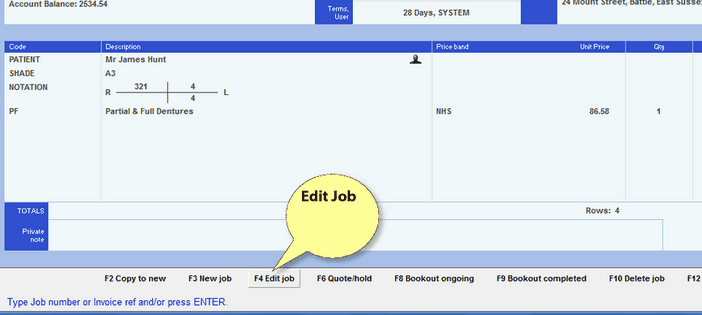
You should now be able to edit the job and then Book it In, or Out.
To Delete a Job
| • | Select a Job onto the Main Form |
| • | Choose Action - Delete |
If you are prevented from Editing or Deleting a Job, it will be because the Job has been completed and is therefore associated with an Invoice number and Tax Point. See below.
To Edit or Delete a completed Job
| • | Select a Job onto the Main Form |
| • | Choose Action - Void Invoice / Cr Note |
| • | Choose Action - Edit or Action - Delete |
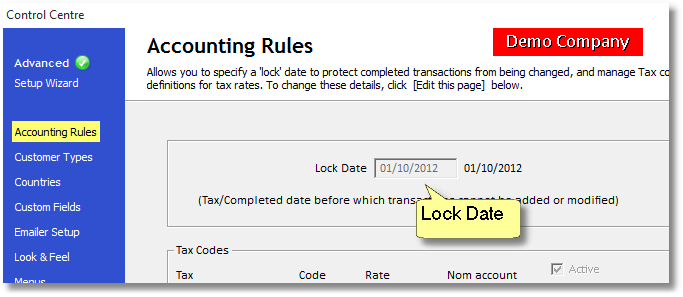
If you are still prevented from Editing or Deleting this Job, it will be because the Job has been completed and it's Tax Point comes before the Accounting Lock Date which can be set in the Control Centre > Advanced > Accounting Rules
Click this image to view a video of this topic: