If you've just Imported the invoice list from a file:
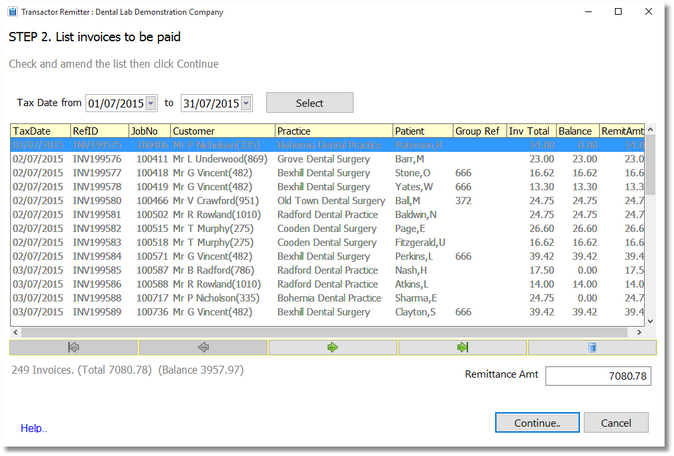
| • | If you want to amend the list, click the trashcan button to remove a row |
| • | Click Continue |
If you have an empty list, or you chose to manually make a remittance list:
| • | Choose a date range, then click Select. |
| • | If you want to amend the list, click the trashcan button to remove a row |
| • | Click Continue |
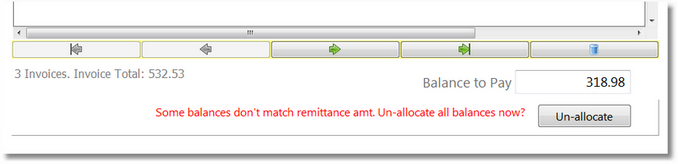
If the balance to pay doesn't equal the invoice total, then the application will prompt you to un-allocate any invoice balances. If this situation occurs it's because one or more of the listed invoices have previously been allocated money from other receipts. In all likely-hood the balance needs un-allocating as your remittance amount is probably for the whole invoice. You may either use the 'un-allocate' button to do this, or navigate to the main Transactor application and un-allocate monies in the customer history. Don't forget to click 'Refresh' afterwards.
Go to next topic: Step 3 Pay off the Invoices